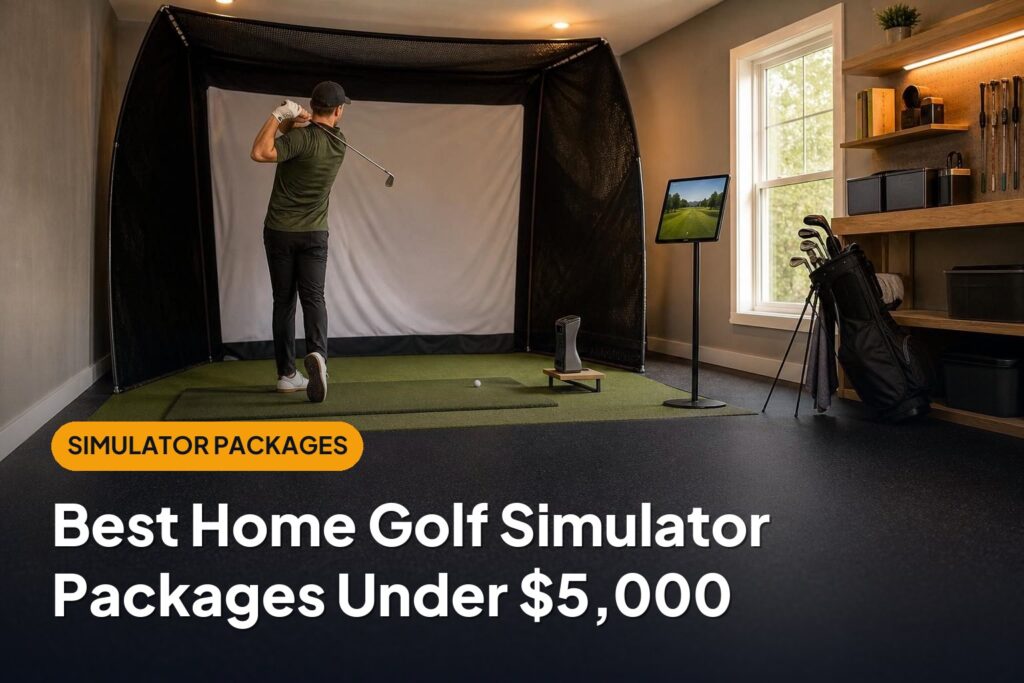
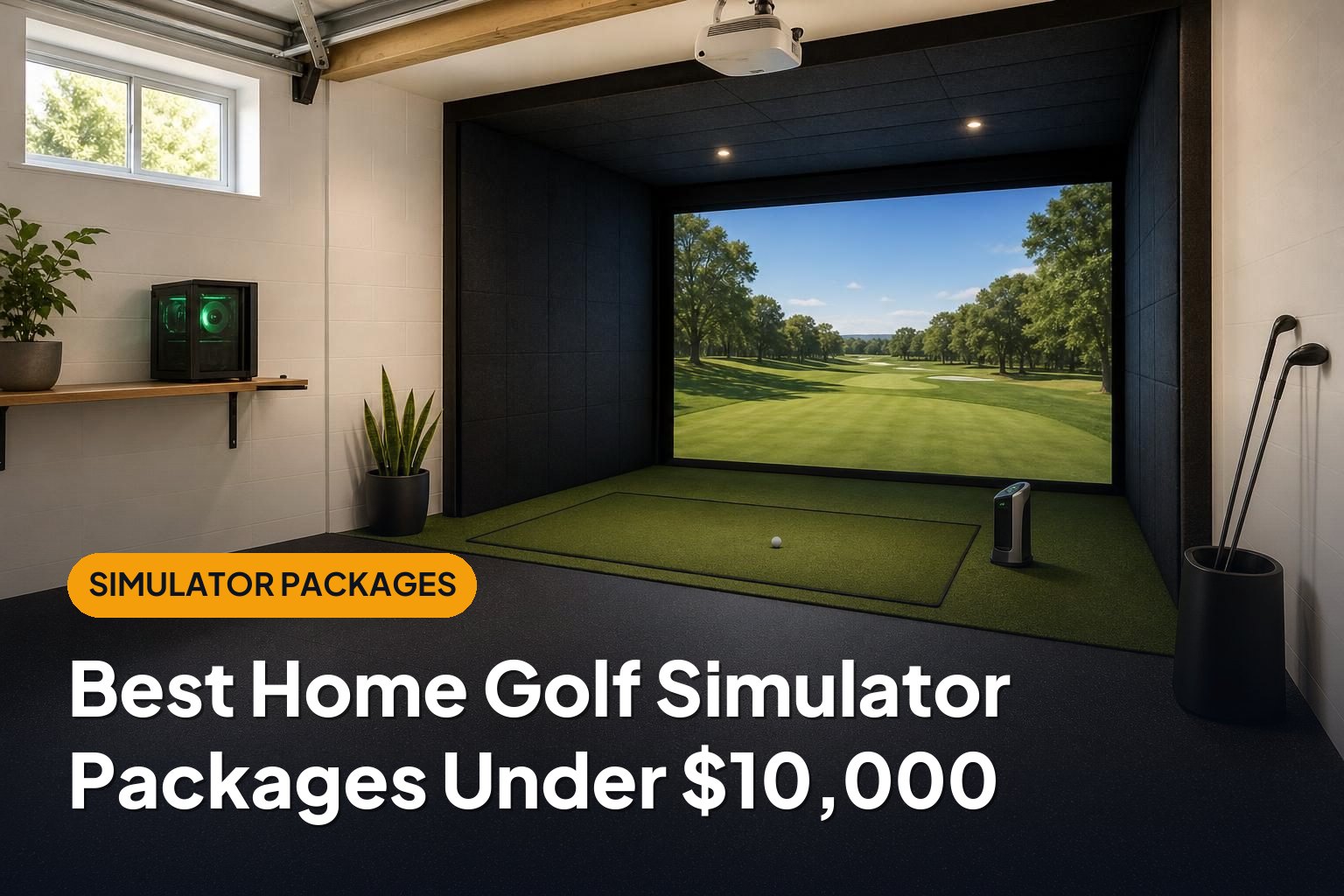
The best golf simulator under 10000 is a complete setup that fits your room, delivers dependable shot feedback, and leaves enough budget for a safe hitting area. These six package configurations offer strong options below a $10,000 ceiling, from affordable practice bays to camera-based systems built around a dedicated gaming PC.
This article is part of our guide: How to Choose a Home Golf Simulator: Packages, Prices, and Essential Equipment
- Best overall: SkyTrak+ enclosure package — a balanced choice for indoor practice and simulated rounds.
- Best for a dedicated simulator room: Uneekor EYE MINI LITE package — a strong fit for a permanent, PC-based installation.
- Best for indoor and outdoor use: Bushnell Launch Pro package — a portable camera-based option with an onboard display.
- Best for a long garage or multipurpose space: FlightScope Mevo+ package — useful radar-based performance when you have sufficient ball flight.
- Best budget package: Garmin Approach R10 package — an accessible way to build a simulator without spending the full budget.
- Best indoor-only value: Square Golf package — a compact camera-based option that leaves room for better supporting equipment.
These picks describe package configurations rather than fixed retailer bundles. Contents and promotional pricing vary, so confirm the complete checkout total, required software, and computer requirements before buying. Premium enclosures, installation, or major room alterations can push an otherwise suitable configuration over budget.
1. SkyTrak+ Enclosure Package: Best Overall
A SkyTrak+ package offers a sensible balance of launch-monitor capability, indoor convenience, and room left in the budget for a proper enclosure. It is particularly appealing if you want both focused range sessions and recreational course play.
Look for a configuration with the SkyTrak+ launch monitor, impact screen, side protection, hitting mat, and projector. Check whether a compatible computer and the software needed for your preferred activities are included.
Strengths
- Convenient indoor positioning: The monitor sits beside the ball rather than several feet behind the hitting position.
- Practice versatility: Ball-flight feedback and additional club measurements provide more context than basic distance tracking alone.
- Balanced package potential: Sensible component choices can keep a projected setup within the overall budget.
Drawbacks
- Mixed right- and left-handed groups generally need to reposition the monitor.
- Software plans and third-party simulator access can increase ongoing costs.
- The hitting area needs consistent positioning and appropriate lighting.
Best for: Golfers who want one well-rounded indoor setup for practice, family use, and simulated rounds.
2. Uneekor EYE MINI LITE Package: Best for a Dedicated Simulator Room
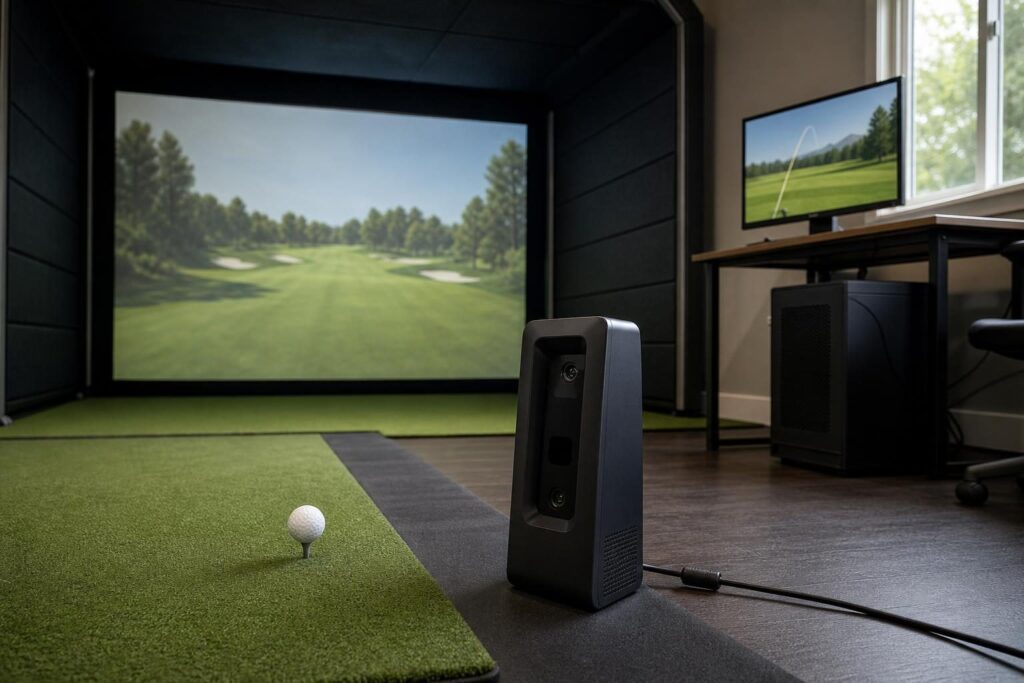
The Uneekor EYE MINI LITE makes the most sense in a room where the equipment can stay connected and ready to use. It is a camera-based launch monitor designed around a wired PC connection, rather than a portable monitor with a standalone display.
Build the package around a compatible Windows gaming computer, a quality hitting strip, and an enclosure sized to your room. A restrained screen size and projector choice help preserve the under-$10,000 target.
Strengths
- Permanent-bay suitability: A fixed, wired setup works well when portability is not a priority.
- Useful impact feedback: Club-impact imagery can help connect the numbers with what happened at the ball.
- Efficient room layout: Side-mounted camera tracking does not need the long ball-flight corridor associated with radar systems.
Drawbacks
- A compatible computer is essential and must be included in the budget.
- It is less suitable for golfers who want to take their monitor to the driving range.
- Club tracking requires the appropriate club stickers and setup.
Best for: Golfers creating a permanent practice room who value impact feedback more than portability.
3. Bushnell Launch Pro Package: Best for Indoor and Outdoor Use
A Bushnell Launch Pro package suits golfers who want a home simulator and a launch monitor they can also use away from home. Its onboard screen is useful for checking supported measurements without always relying on a projected simulator display.
The important buying decision is the exact hardware and software configuration. Do not assume every Launch Pro offer includes the same data access, simulator permissions, or subscriptions.
Strengths
- Flexible use: Its camera-based design supports both indoor practice and outdoor sessions.
- Onboard feedback: The integrated display is convenient for straightforward practice.
- Compact tracking arrangement: The unit sits near the ball, making it suitable for rooms without extensive depth.
Drawbacks
- Software subscriptions can materially affect the total cost of ownership.
- Ball-data and club-data access depend on the configuration purchased.
- A complete projected package needs careful budgeting once the computer and software are included.
Best for: Golfers who want one monitor for a home bay and range practice, and are comfortable checking licensing details carefully.
4. FlightScope Mevo+ Package: Best for a Long Garage or Multipurpose Space
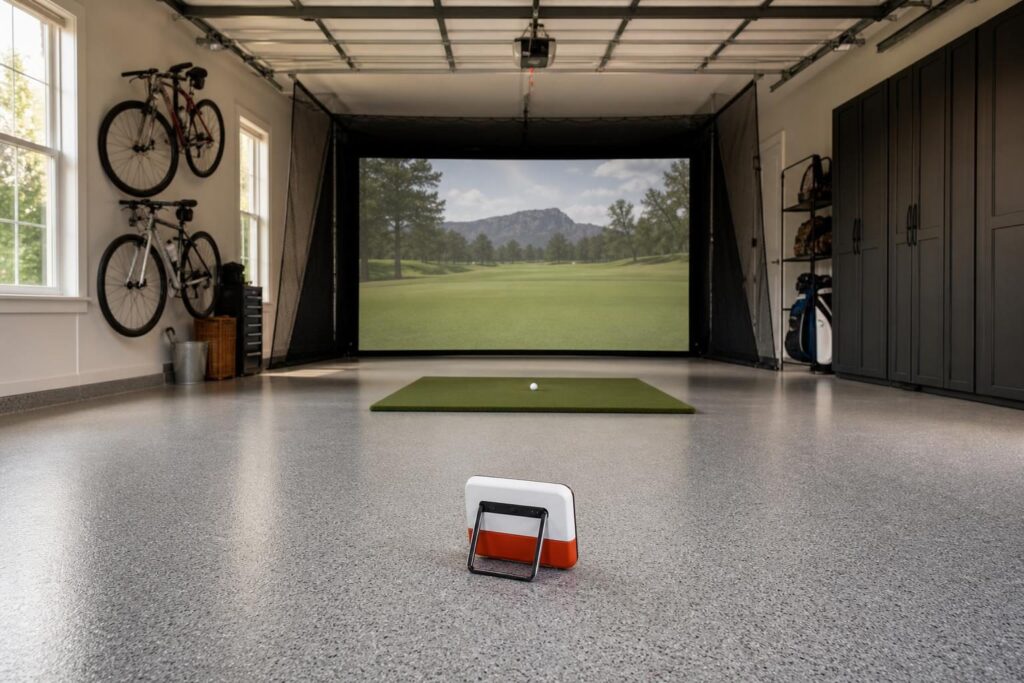
The FlightScope Mevo+ is a good candidate when you have enough room behind the ball and between the ball and screen. Unlike side-mounted camera systems, this radar-based monitor sits behind the golfer along the target line.
That layout can be helpful for households with both right- and left-handed players because the monitor generally does not need to move between sides. However, adequate room depth is a requirement, not a bonus.
Strengths
- Mixed-handed convenience: Rear placement avoids a launch monitor beside the ball on either player’s side.
- Indoor and outdoor flexibility: The monitor can serve as both a simulator component and a practice tool.
- Configurable capability: Optional upgrades allow buyers to choose additional features where useful.
Drawbacks
- Indoor performance depends on meeting FlightScope’s placement and ball-flight requirements.
- Alignment and environmental interference need attention.
- Some advanced measurements and analysis features require paid upgrades.
Best for: Golfers with a deeper room who want flexible practice options and easier switching between right- and left-handed players.
5. Garmin Approach R10 Package: Best Budget Package
A Garmin Approach R10 package is worth considering if you want to spend substantially less than the full ceiling. Pair it with a suitable net or enclosure, a comfortable mat, and a compatible display device, then add projection if it suits your budget.
Its main advantage is not that it matches more expensive systems in every situation. It is that the lower hardware investment leaves more money for the parts of a simulator you physically interact with on every shot.
Strengths
- Lower-cost entry: It allows a more affordable route into home simulation.
- Portable design: Moving between home practice and outdoor use is straightforward.
- Budget flexibility: You can prioritize a better mat, safer enclosure, or improved room lighting.
Drawbacks
- Like other radar systems, it needs appropriate space behind and ahead of the ball.
- Some reported metrics are calculated rather than directly measured.
- It is not the strongest choice for golfers seeking detailed indoor short-game simulation or club-delivery analysis.
Best for: Casual players, families, and golfers who want useful practice without committing the entire $10,000 budget.
6. Square Golf Package: Best Indoor-Only Value
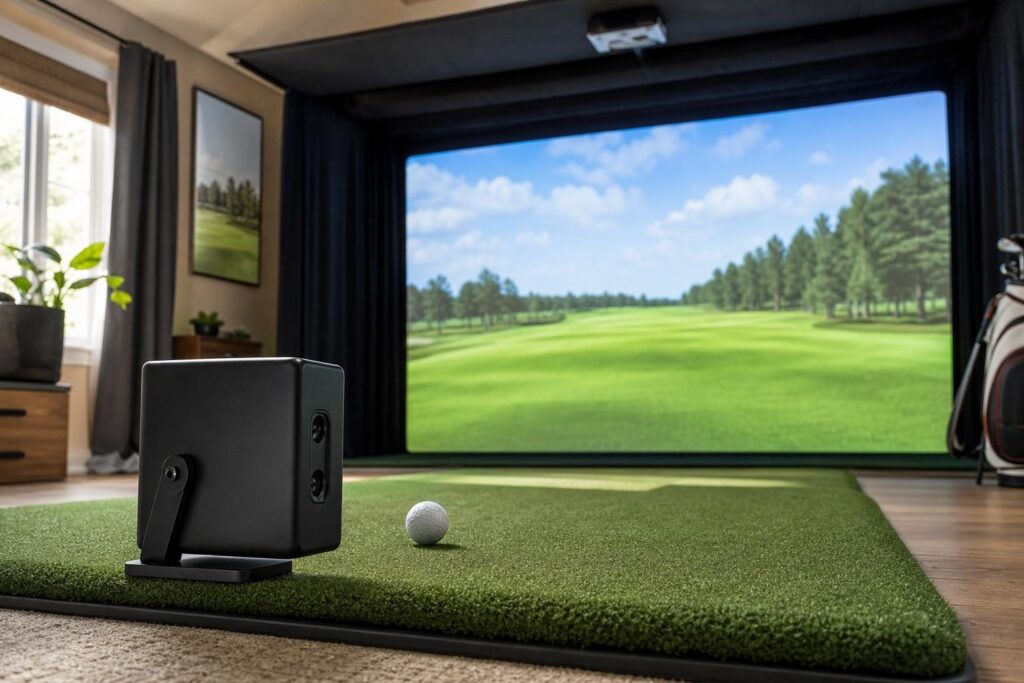
A Square Golf package is an appealing alternative for buyers who want side-mounted camera tracking without allocating most of their budget to the launch monitor. Its indoor-only focus makes it a more specialized choice than portable indoor-and-outdoor models.
The savings can support a better impact screen, a more comfortable hitting surface, or a brighter projector. Those upgrades often make a home simulator more enjoyable than spending everything on the tracking hardware.
Strengths
- Indoor-friendly placement: The monitor sits beside the hitting area rather than behind it.
- Accessible package cost: There is room to build a balanced setup without approaching the spending limit.
- Practical for shorter rooms: Tracking does not depend on a long radar flight corridor.
Drawbacks
- It is designed for indoor use rather than outdoor range sessions.
- Direct sunlight and unsuitable lighting can interfere with operation.
- You should verify ball requirements, software compatibility, and course-access costs before ordering.
Best for: Golfers building an indoor-only simulator who want camera-based tracking while keeping the overall investment controlled.
Buying Guide: What to Look for Under $10,000
Measure the Swing Space First
Start with ceiling height, room width, and usable depth. Take slow practice swings with your longest club in the intended hitting position, accounting for lights, ceiling tracks, walls, and other obstructions.
Then check the launch monitor’s separate placement requirements. A camera-based system can reduce tracking-related depth requirements, but it cannot make an unsafe swing area usable.
Compare Complete Costs
When comparing the best golf simulator under 10000, use the same checklist for every package:
- Launch monitor and any required data unlocks.
- Enclosure, impact screen, and side or overhead protection.
- Hitting mat and replaceable hitting strip.
- Projector and suitable mounting hardware.
- Compatible computer or mobile device.
- Software subscriptions and simulator access.
- Shipping, tax, cables, and installation supplies.
Also compare recurring costs over several years. A cheaper hardware package may not remain cheaper once required subscriptions are included.
Choose Software Before Committing
Decide whether your priority is range practice, skills challenges, or playing full courses. Confirm that your chosen launch monitor supports the software you want and that your computer meets its requirements.
If putting, short chips, or multiplayer rounds matter to you, investigate those features specifically. General simulator compatibility does not guarantee an identical experience across every launch monitor.
Do Not Underspend on the Mat and Safety
A forgiving hitting surface and properly installed enclosure deserve priority over a larger image. Follow the enclosure manufacturer’s spacing and screen-tension instructions, and protect likely mishit areas.
For mixed-handed households, consider the full layout rather than just monitor placement. Both players need a safe stance, unobstructed swing, and practical access to the hitting area.
Conclusion
The SkyTrak+ is a balanced starting point for most indoor buyers, while the EYE MINI LITE suits a dedicated room and the Launch Pro adds portable versatility. Mevo+ rewards buyers with sufficient depth, and the Garmin R10 and Square Golf offer lower-cost routes into simulation. Choose the configuration that fits your room and software needs, then protect the budget for a quality mat, safe enclosure, and all required running costs.