
SkyTrak+ is an appealing option for golfers who want useful indoor shot data without placing a radar launch monitor several feet behind the ball. Its side-mounted design works well in many home simulator rooms, but accurate results still depend on careful setup. This SkyTrak+ review examines its published capabilities, realistic space requirements, software options, and limitations rather than presenting hands-on test results.
This article is part of our guide: How to Choose a Launch Monitor for an Indoor Golf Simulator
Overview
SkyTrak+ combines a photometric ball-tracking system with dual Doppler radar for additional club data. It sits beside the hitting area and observes the shot around impact, making it a practical alternative to radar-based units that require a longer tracking corridor.
Its main appeal is the combination of ball-flight information, club feedback, and simulator compatibility in a portable package. You can use it for focused practice or build a more complete indoor golf setup around it.
However, the launch monitor is only one part of that setup. A suitable computer or mobile device, hitting mat, net or impact screen, and potentially recurring software fees all affect the overall experience and cost.
Who It Suits
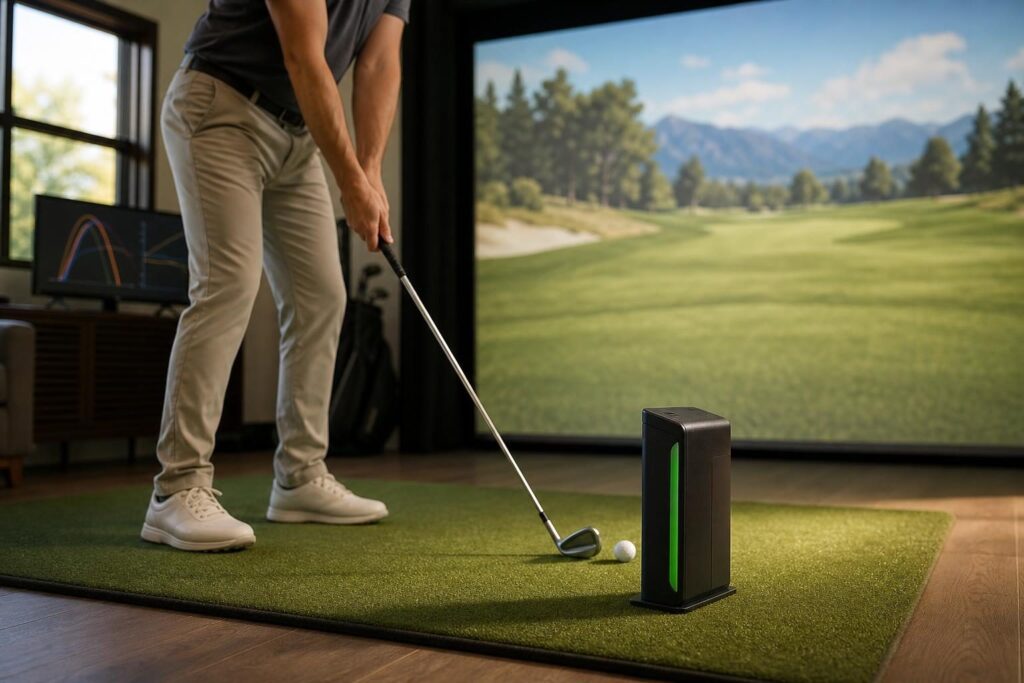
SkyTrak+ makes the most sense for golfers who practice primarily indoors and want more feedback than a basic distance-only device provides.
- Home golfers with limited room depth: Its position beside the ball avoids the long behind-the-player setup required by many portable radar units.
- Players working on ball flight: Launch, spin, and directional information can help explain why shots curve or finish off target.
- Golfers combining practice with simulation: It supports both range-style training and compatible third-party course software.
- Households using mainly one playing orientation: A predominantly right-handed or left-handed setup minimizes repositioning.
It is less convenient for groups that frequently alternate between right- and left-handed players. Golfers who want a completely unobstructed hitting area, an overhead installation, or the broadest possible set of advanced club measurements should also consider other designs.
Key Features
Indoor Accuracy: Useful Data, With Setup Conditions
SkyTrak+ reports core ball-flight information such as ball speed, launch angle, backspin, and sidespin. Its radar system adds club information, including clubhead speed and club path, while the software presents additional shot and flight outputs.
Measured launch conditions and calculated ball-flight results are not the same thing. Carry distance, total distance, and the displayed flight depend on software modeling and environmental settings as well as the underlying shot data.
For indoor practice, consistency is especially important. A monitor that captures representative launch and spin data can help you compare clubs, establish carry gaps, and track whether a swing change produces the intended pattern.
Still, no universal accuracy claim tells the whole story. Results can vary with alignment, ball placement, lighting, ball condition, and the type of shot. A few unexpected readings should prompt a setup check before a swing overhaul.
- Position the unit according to the manufacturer’s alignment instructions.
- Keep it level and at the correct height relative to the hitting surface.
- Use clean, undamaged golf balls and keep the camera area clear.
- Place the ball in the designated hitting area consistently.
- Keep software conditions consistent when comparing sessions.
SkyTrak+ does not require clubface stickers for its advertised club-data functionality. That makes switching between clubs easier, although it does not make its data set equivalent to every premium camera-based system.
Space Requirements: Separate Tracking Space From Swing Space
One of the strongest reasons to choose SkyTrak+ is that it does not need a long ball-flight corridor to track shots indoors. However, a compact tracking footprint does not mean a tiny room is safe for golf.
Your swing, screen installation, and ball containment determine the practical minimum room size. Ceiling height is especially personal: golfer height, driver length, swing plane, and the position of ceiling fixtures all matter.
| Room dimension | What to check |
|---|---|
| Height | Confirm clearance for your full driver swing, including lights, beams, and garage-door hardware. |
| Width | Allow room for your stance, backswing, follow-through, and the launch monitor beside the ball. |
| Depth | Account for your swing, ball-to-screen distance, and the screen manufacturer’s required rear clearance. |
| Hitting position | Check whether an offset hitting area is necessary and whether both handedness orientations will fit. |
As an early planning guide, many home simulator projects investigate ceilings around 9–10 feet, widths around 10–12 feet or more, and depths around 12–16 feet. These are planning ranges, not official SkyTrak+ minimums or a guarantee that your swing will fit.
Test the intended hitting position carefully before buying equipment. Start with slow movements and confirm clearance throughout the swing. An impact screen also needs room to deflect safely; placing it directly against a hard wall is not a substitute for following its installation guidance.
Software Options and Ongoing Costs
SkyTrak’s own software provides the foundation for viewing shots and practicing. More advanced training tools and third-party simulation access can depend on the membership package you choose.
Compatible simulation options have included E6 CONNECT, The Golf Club 2019, and WGT Golf. Availability, supported operating systems, package contents, and licensing requirements differ, so confirm compatibility for SkyTrak+ specifically before purchasing.
| Software route | Best suited to | Main consideration |
|---|---|---|
| SkyTrak practice software | Range sessions, shot analysis, and structured improvement | Check which tools are included in each membership. |
| E6 CONNECT | Virtual courses and simulator play | Confirm device support, course package, and subscription terms. |
| The Golf Club 2019 | Golfers seeking a substantial virtual-course selection | Check Windows PC requirements and the compatible license. |
| WGT Golf | Golfers interested in its course-play experience | Verify supported devices and the required SkyTrak package. |
Do not assume that buying a simulator application automatically covers every required SkyTrak membership or integration fee. Likewise, a mobile device capable of running practice software may not replace a suitable gaming PC for your preferred course software.
Compare the complete package: hardware, computer, display equipment, software license, and recurring memberships. Software bundles change, making current purchase-page details more useful than an older package comparison.
Everyday Usability
The portable, side-mounted format is straightforward for a dedicated practice station. Once aligned, it can remain in place between sessions if the room allows.
There can still be a short interval between impact and the displayed shot. Processing time and overall responsiveness depend partly on the software, connection, and host device, so do not assume every configuration delivers an identical experience.
The unit also sits close enough to the hitting area that protection is worth considering, particularly for beginners or shared family setups. Any protective case should be designed for SkyTrak+ and installed without obstructing its sensors.
Pros
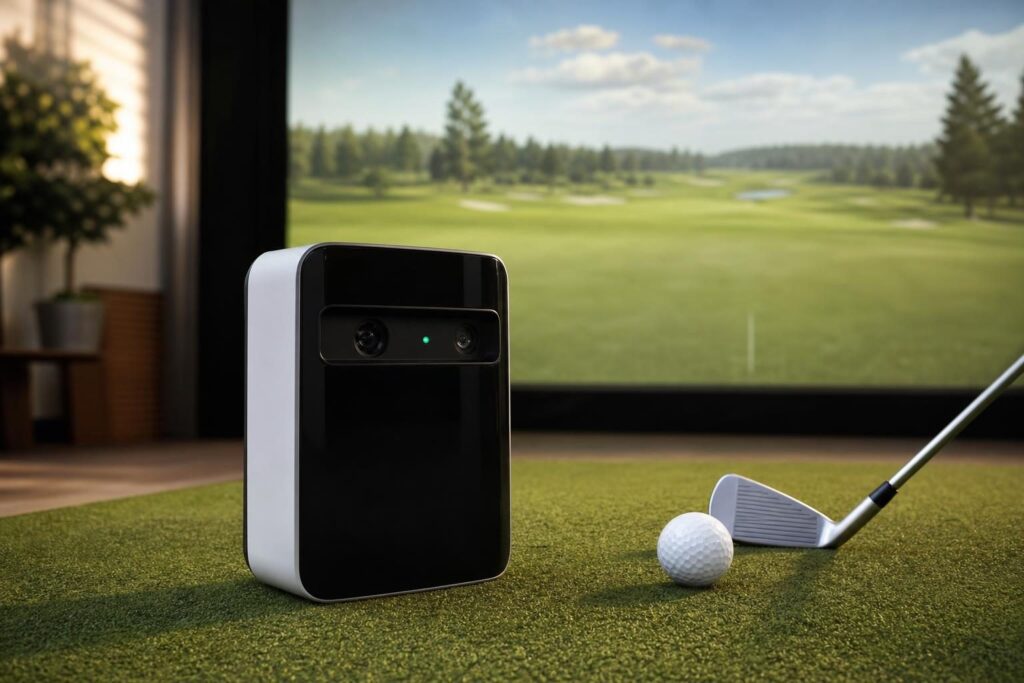
- Well suited to indoor rooms: Side placement reduces the tracking-depth demands associated with many radar-only alternatives.
- Useful practice feedback: Ball-flight information and added club data support more informed sessions.
- No club stickers required: Switching clubs does not involve attaching tracking markers.
- Multiple software routes: You can prioritize practice, simulated rounds, or a combination.
- Portable installation: It does not require permanent ceiling mounting.
Cons
- Mixed-handed play is less seamless: Changing sides generally requires moving and realigning the unit.
- Subscriptions complicate budgeting: Desired practice features and simulation access may involve separate charges.
- Setup remains important: Incorrect height, alignment, or ball position can undermine the experience.
- Not a complete premium fitting system: Do not assume it provides every club-delivery or impact-location metric.
- Hardware exposure: Its position beside the ball warrants care and potentially a protective case.
Alternatives Worth Considering
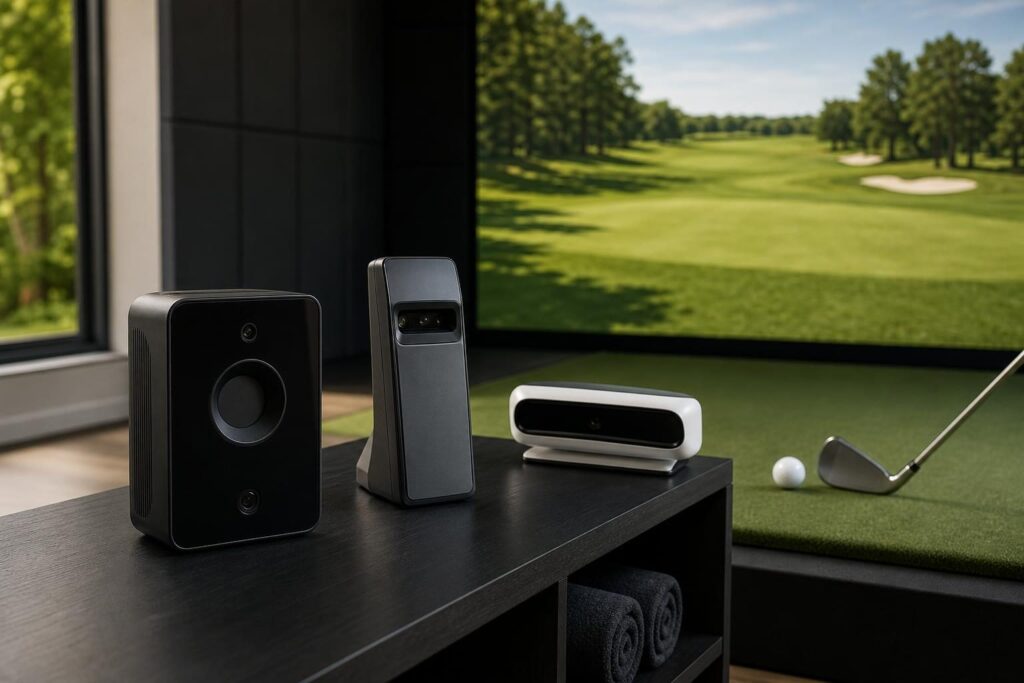
Original SkyTrak
The original SkyTrak remains relevant for golfers primarily interested in ball data and indoor simulation. Its main trade-off is the absence of the SkyTrak+ radar-based club-data additions. Compare condition, warranty coverage, software support, and the actual purchase offer rather than assuming an older unit is automatically better value.
Foresight Sports GC3
The GC3 is another camera-based, side-mounted option worth investigating for indoor practice. Compare the exact data package, software bundle, and licensing terms. Like SkyTrak+, its side placement is less convenient than an overhead system for frequent right- and left-handed switching.
FlightScope Mevo+
Mevo+ is worth considering if you can accommodate a behind-the-ball radar setup or also want outdoor practice capability. For a home simulator, check its current indoor spacing requirements carefully rather than assuming it will fit wherever SkyTrak+ fits.
Uneekor EYE MINI
The EYE MINI is another portable camera-based alternative. Compare available metrics, impact feedback, subscriptions, and supported simulation software. Its appeal depends on which feedback you value, not simply the number of measurements on a specification sheet.
Verdict
SkyTrak+ is a strong shortlist option for golfers building an indoor simulator where room depth matters. It combines useful ball and club feedback with several software choices, without requiring a long radar tracking area.
The main cautions are recurring software costs, careful setup, and the inconvenience of switching handedness. If your swing fits safely, your preferred software is supported, and the complete ownership cost works for you, SkyTrak+ offers a compelling balance of practice capability and home-simulator practicality.
