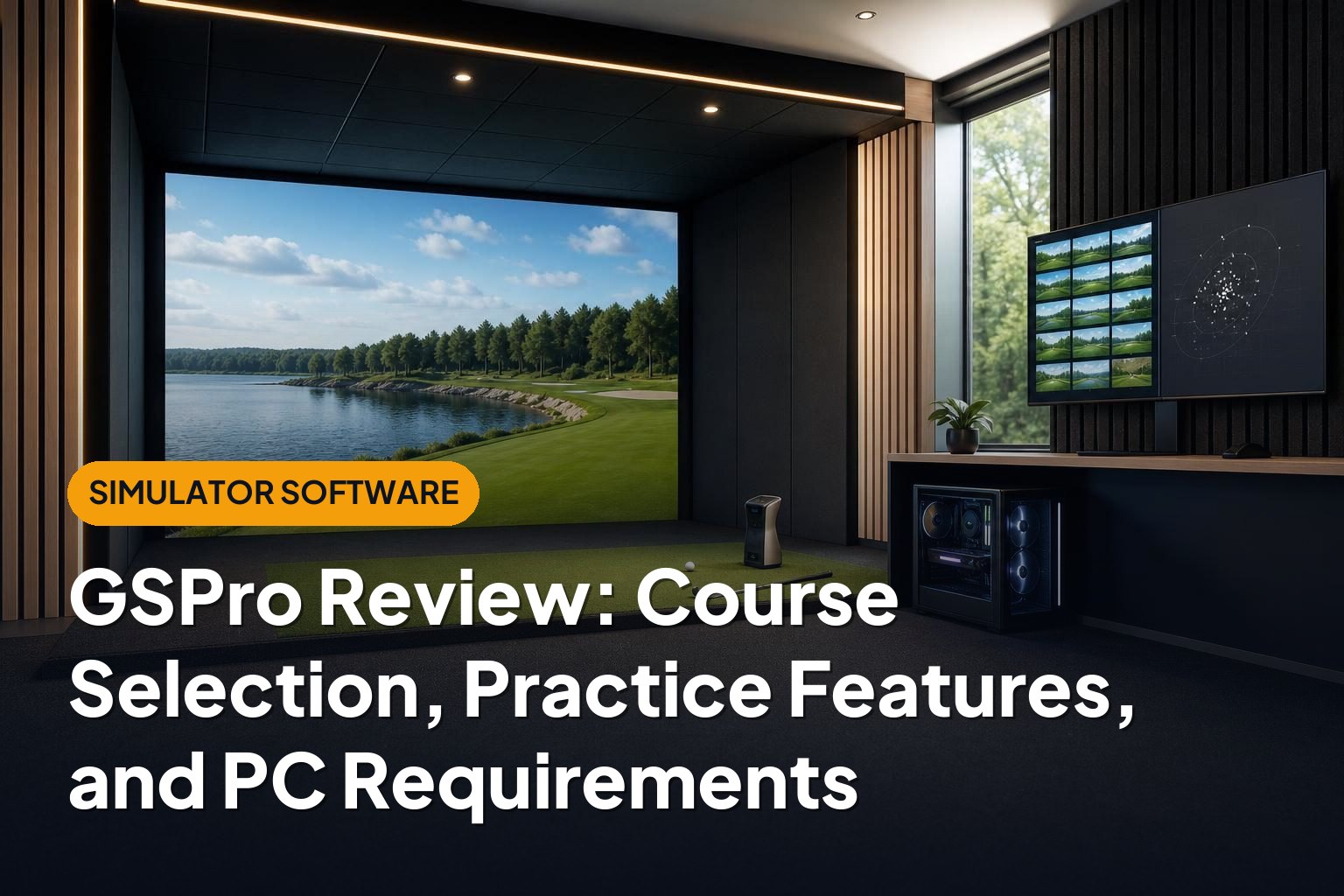
GSPro is a compelling option for home golfers who want realistic course play, useful practice tools, and a broad selection of community-created courses. Its biggest strengths are the on-course experience and the flexibility of its course library. The trade-offs are a Windows gaming PC requirement, some setup complexity, and launch monitor compatibility that deserves careful checking. This GSPro review covers what matters before you build a simulator around it.
This article is part of our guide: Golf Simulator Software Guide: Compatibility, Courses, and Subscription Costs
Overview
GSPro is golf simulator software that turns data from a compatible launch monitor into virtual shots on a practice range or golf course. It does not measure your swing or ball flight itself: the launch monitor supplies the measurements, and the software uses that information to simulate the result.
The experience is aimed primarily at golfers who want convincing virtual golf rather than arcade-style entertainment. Terrain, elevation changes, green contours, and the consequences of poor shot placement all contribute to the appeal.
However, GSPro is only one part of a simulator system. Your launch monitor, hitting surface, screen, projector, computer, and available space all affect the final experience. Excellent software cannot compensate for unreliable shot capture or an uncomfortable hitting area.
Who GSPro Suits
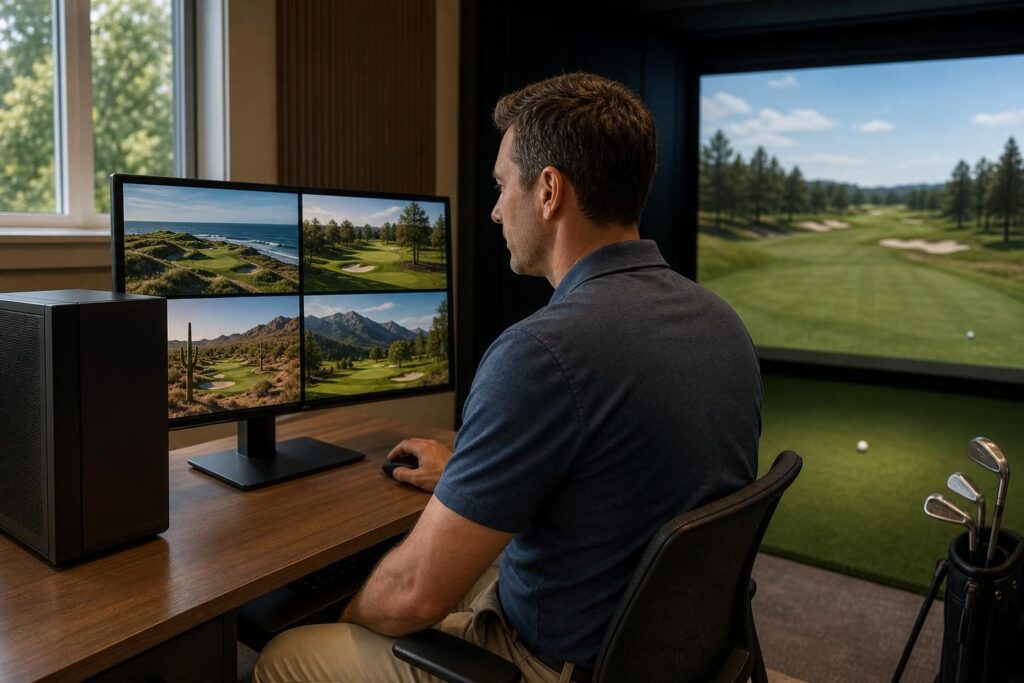
GSPro makes the most sense for golfers who value course variety and are comfortable running a dedicated computer in their simulator space.
- Regular home simulator golfers: Players who expect to play frequently can make good use of its course library and practice options.
- Golfers who enjoy exploring courses: Community course development gives GSPro particular appeal beyond a small, fixed collection of layouts.
- Players combining practice with rounds: It is useful for moving between range sessions, repeated on-course shots, and full rounds.
- Technically comfortable owners: Users willing to manage graphics settings, updates, and device connections are a natural fit.
It is less suitable for someone seeking a tablet-only setup or a completely appliance-like experience. Golfers who mainly want quick target games may also prefer software with a simpler interface and a stronger entertainment focus.
Key Features
Course Selection and Variety
Course selection is a major reason to consider GSPro. Its ecosystem includes community-created recreations of real courses as well as original designs, giving golfers plenty of variety in scenery, layout, and difficulty.
Many course builders use detailed terrain information, including lidar where available, to reproduce elevation changes and landforms. That can create a more convincing experience than a course that merely resembles its real-world counterpart visually.
Still, community-created does not mean uniformly accurate or polished. Detail, optimization, green contouring, and visual presentation vary by designer and course version. A recognizable name alone is not proof of an officially licensed or exact recreation.
Before subscribing for one particular course, check that it is currently available. Course availability can change, and individual downloads also take up storage space.
Driving Range and Shot Feedback
GSPro’s driving range provides a straightforward environment for warming up, comparing clubs, and working on distance control. Shot feedback helps you connect the swing you made with the resulting virtual flight.
The important limitation is that the available information depends on your launch monitor. Software cannot turn a ball-data-only device into a full club-delivery measurement system.
- Carry distance: Useful for building a practical understanding of how far each club flies.
- Launch and spin information: Helpful for interpreting trajectory, subject to what your device measures or estimates.
- Shot direction and curvature: Useful for observing patterns rather than judging a session by one good shot.
- Club data: Available only where the hardware, integration, and relevant entitlements support it.
For equipment comparisons or technical swing changes, distinguish measured data from estimated values. Also remember that simulator carry can differ from outdoor results because of environmental settings, ball condition, and launch monitor limitations.
On-Course Practice
GSPro’s on-course practice options are particularly useful for golfers who find an open range repetitive. Practicing from selected positions lets you work on shots with a meaningful target and visible consequences.
You might repeat an approach to a raised green, test different clubs into a narrow landing area, or practice a partial wedge over trouble. This adds a decision-making element that ordinary range sessions can lack.
It does not reproduce every outdoor challenge. Mats cannot fully recreate rough, sand, or uneven lies, even when the software applies a corresponding shot penalty. Treat those situations as simulated outcomes rather than authentic physical practice.
Rounds and Multiplayer
GSPro supports full rounds and multiplayer play, making it suitable for both solo golf and social simulator sessions. Settings such as tees and putting rules help adapt the experience to different players and rooms.
Organized competition is also available through communities such as Simulator Golf Tour. These services are separate from the core software and may have their own memberships, eligibility rules, and setup requirements.
Putting deserves special attention. The experience depends heavily on whether your launch monitor captures short putts reliably and how your hitting area is arranged. Gimme settings can keep a round moving, but golfers who prioritize putting should investigate their specific hardware combination before buying.
Launch Monitor Compatibility
GSPro works with supported hardware from established launch monitor manufacturers, including Uneekor, Foresight Sports, and FlightScope. However, compatibility should always be checked at the specific model and connection level, not assumed from the brand name.
Official integrations and community-developed connectors are not interchangeable. An unofficial connection may involve additional software, troubleshooting, or restrictions, and support responsibilities can be less clear.
Confirm whether your launch monitor requires an active manufacturer subscription or software package to connect. The total running cost may include more than a GSPro subscription alone.
PC Requirements and Graphics Performance
GSPro needs a capable Windows PC, with the graphics card playing a particularly important role. A basic office computer or laptop with integrated graphics is not a sensible default choice for a new simulator build.
The right specification depends on your output resolution, graphics settings, and the courses you play. Detailed vegetation and complex scenery can be more demanding than simpler layouts.
The table below is practical buying guidance, not a substitute for GSPro’s published system requirements. Check the official requirements before purchasing a computer.
| Component | Practical guidance |
|---|---|
| Operating system | Use a supported Windows installation and confirm compatibility with both GSPro and your launch monitor software. |
| Graphics card | Choose a dedicated gaming GPU. As a planning reference, an RTX 3060 Ti-class desktop card is a more sensible starting point for a new 1080p build than basic integrated graphics. |
| Memory | Plan for at least 16 GB of RAM, with additional headroom useful when running other applications. |
| Processor | A reasonably recent desktop-class Intel Core i5 or AMD Ryzen 5-class processor is a sensible starting point; exact model and generation matter. |
| Storage | Use an SSD and leave room for Windows, software updates, and downloaded courses. |
| 4K output | Budget for a substantially stronger GPU than a basic 1080p setup, especially if you want high visual settings. |
| Connectivity | Check the USB, Ethernet, Wi-Fi, and display connections needed by your launch monitor and projector. |
Laptop and desktop GPUs with similar names do not necessarily perform equally. Laptop cooling and power limits matter, so judge the complete machine rather than the graphics badge alone.
Also match the computer to your projector. Rendering at 4K adds a considerable workload and offers limited benefit if the display chain cannot show that resolution.
Pros

- Broad course variety: Community development provides a strong reason to keep exploring.
- Engaging course play: Terrain and shot-placement demands make rounds more than a visual demonstration.
- Useful practice flexibility: Range work and on-course repetition support different training goals.
- Social appeal: Multiplayer and external competition communities extend its usefulness.
- Hardware choice: Supported integrations allow it to fit several different simulator ecosystems.
Cons
- Gaming PC expense: The computer can add significantly to a simulator budget.
- Variable course quality: Community layouts differ in polish, accuracy, and performance.
- Compatibility homework: Model-specific support, subscriptions, and connection methods need checking.
- Some technical upkeep: Drivers, updates, networking, and graphics settings may need attention.
- Hardware-dependent feedback: Practice data and putting performance remain limited by the launch monitor.
Alternatives Worth Considering
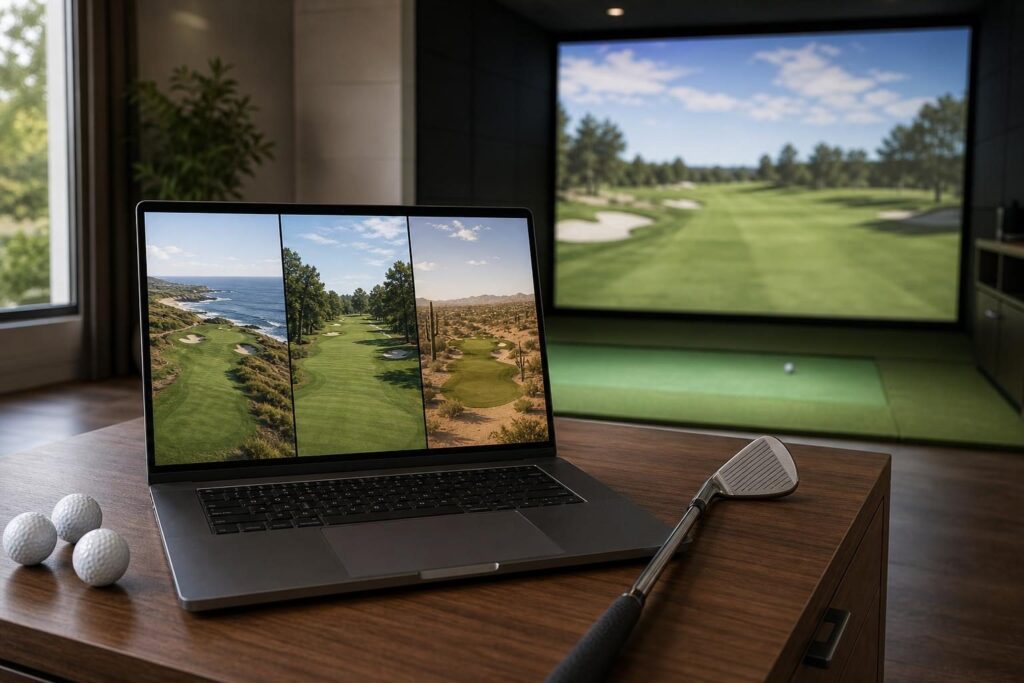
E6 CONNECT
E6 CONNECT is worth comparing if you value an established simulator platform with practice and multiplayer features. Its supported devices, available courses, and features vary by platform and package, so compare the actual offering for your launch monitor.
Awesome Golf
Awesome Golf is particularly appealing for approachable practice, target-based challenges, and family use. It may be a better fit if keeping sessions simple and engaging matters more than exploring a large collection of full-length courses.
The Golf Club 2019
The Golf Club 2019 remains a relevant comparison for golfers interested in a large user-created course ecosystem. Check current hardware support, purchase terms, and the condition of the software ecosystem rather than relying on older recommendations.
Manufacturer Software
Your launch monitor’s own software may offer a more direct route to setup and support. Foresight Sports FSX Play, for example, is worth evaluating for compatible Foresight hardware. Native software can also be preferable when your priority is device-specific analysis rather than course variety.
Verdict
GSPro is a strong choice for home golfers who prioritize course selection, convincing virtual rounds, and flexible practice. Its appeal is greatest when paired with a well-supported launch monitor and a properly specified Windows PC.
The main reservations are setup complexity, variable community course quality, and the total cost of compatible hardware and subscriptions. Confirm those details first, and GSPro deserves a place near the top of your simulator software shortlist.