
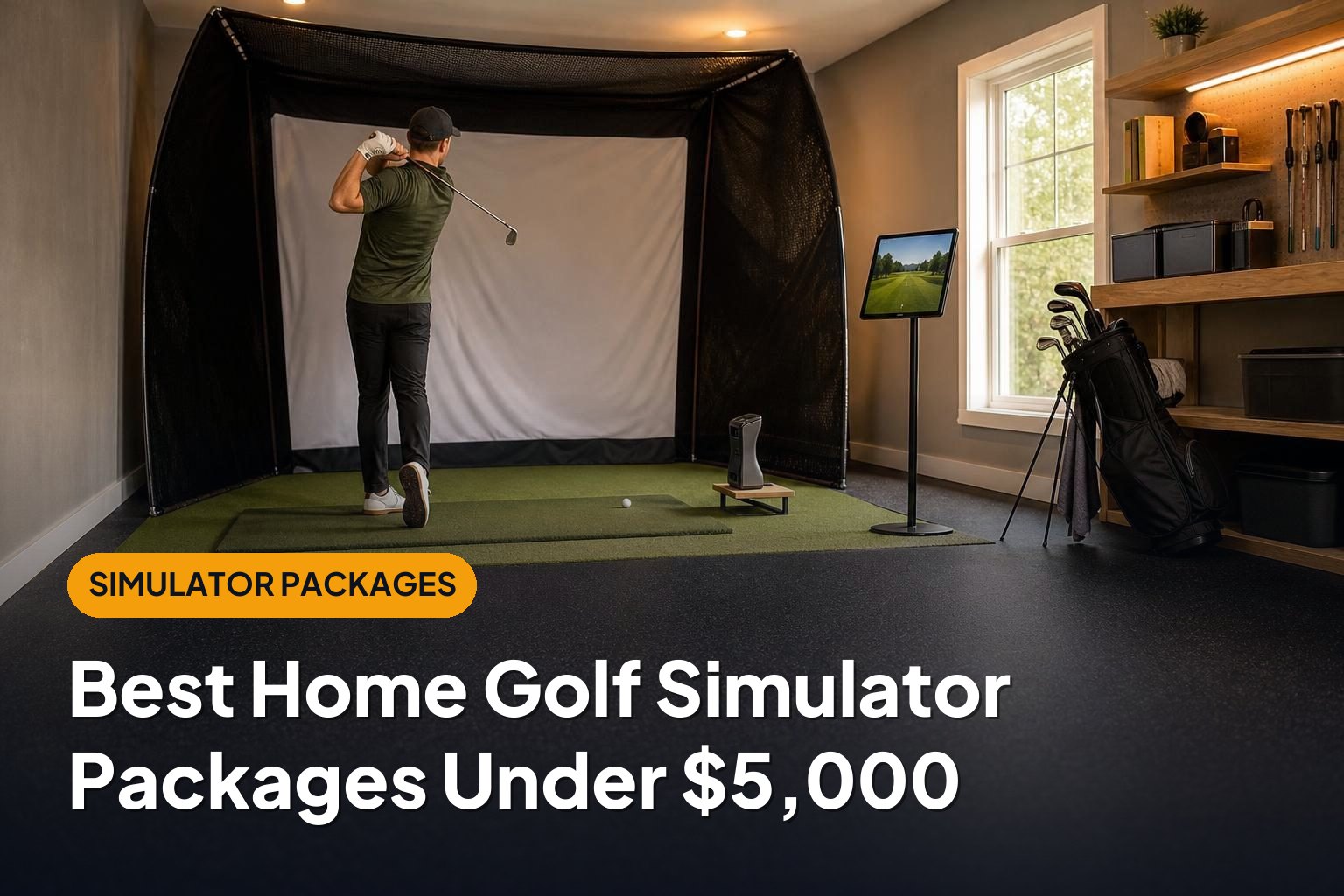
The best golf simulator under 5000 is the one that fits your room, your practice goals, and your complete setup budget—not just the launch monitor. These six package configurations cover everything from simple net-based practice stations to projector setups that feel more like a dedicated simulator.
This article is part of our guide: How to Choose a Home Golf Simulator: Packages, Prices, and Essential Equipment
- Best all-rounder: Garmin Approach R10 net package.
- Best for measured spin feedback: Rapsodo MLM2PRO net package.
- Best for a narrow room: Original SkyTrak net package.
- Best indoor-focused option: Square Golf launch monitor package.
- Best for projector immersion: Garmin Approach R10 impact-screen package.
- Best for casual family play: OptiShot 2 foam-ball package.
These are recommended component combinations, not fixed retailer bundles. Prices, availability, and included software change, so confirm the complete checkout total before buying. Keeping the finished setup below $5,000 may mean using an existing computer or tablet, choosing a net instead of a screen, or shopping refurbished equipment.
1. Garmin Approach R10 Net Package: Best All-Rounder
A Garmin Approach R10 paired with a quality hitting net and mat is a sensible starting point for most budget-conscious golfers. It puts the emphasis on practice and simulated rounds rather than expensive room furnishings.
What the package should include
- Garmin Approach R10 launch monitor.
- Golf-rated hitting net with suitable side protection.
- Comfortable hitting mat and a level stance area.
- Compatible phone or tablet, plus any required software access.
Strengths: The R10 is portable, works indoors and outdoors, and supports simulator play through compatible software. A net-based configuration leaves more of your budget available for a better mat, safer ball containment, and ongoing software costs.
It is also practical for a garage that still needs to accommodate a car. A portable net and movable mat are easier to clear away than a permanent screen enclosure.
Drawbacks: This radar-based unit needs space behind the ball and sufficient ball flight in front of it. That makes room depth important. Some shot characteristics are calculated rather than directly measured, and conventional putting is not its strength; check how your chosen software handles putting.
Budget verdict: One of the easier configurations to keep below $5,000 without compromising the mat or net. Choose it if you want a balanced first simulator rather than the most immersive display.
2. Rapsodo MLM2PRO Net Package: Best for Measured Spin Feedback
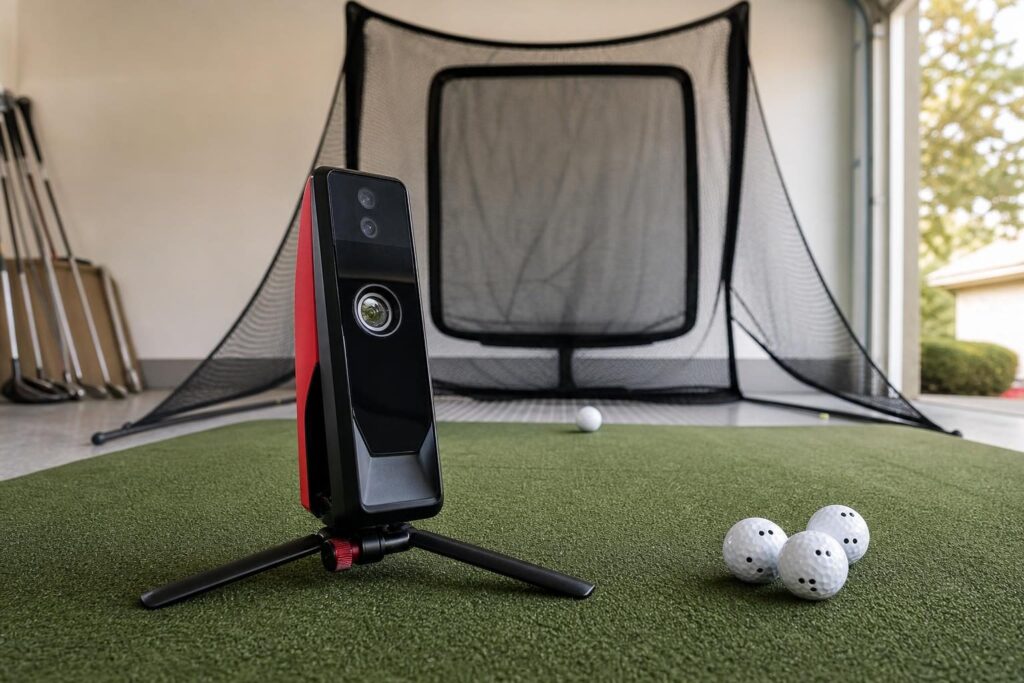
The Rapsodo MLM2PRO combines radar and cameras in a portable launch monitor. For golfers interested in understanding ball flight, its measured spin capabilities with compatible marked balls make it an appealing practice-focused choice.
What the package should include
- Rapsodo MLM2PRO launch monitor.
- Compatible RPT golf balls for supported spin measurements.
- Hitting net, side protection, and a quality mat.
- Compatible mobile device and any required membership or simulator subscription.
Strengths: The combination of shot data and video feedback is useful for structured practice. It also gives you a device that can move between the home setup and the driving range.
A net package makes particular sense here: money that would otherwise go toward projection equipment can support a better hitting surface and the software features you actually want.
Drawbacks: Accurate indoor setup requires careful attention to alignment, lighting, and the manufacturer’s spacing requirements. The marked-ball requirement adds another purchase to consider, and membership costs matter when comparing long-term value.
Budget verdict: A strong sub-$5,000 configuration for golfers prioritizing feedback over a large projected image. Confirm which features remain available under your selected membership before ordering.
3. Original SkyTrak Net Package: Best for a Narrow Room
The original SkyTrak is a photometric launch monitor that sits beside the hitting area rather than several feet behind it. When available through a reputable seller, particularly refurbished or used, it can anchor a capable budget simulator.
What the package should include
- Original SkyTrak launch monitor, with condition and warranty clearly stated.
- Protective case designed for that model.
- Hitting net, appropriate containment, and a level mat.
- Compatible display device and supported simulator software.
Strengths: Its side-mounted position reduces the equipment depth needed behind the golfer. That is helpful in spaces where a radar unit’s full setup distance would be difficult to accommodate.
It is well suited to a fixed practice station where you can keep the hitting surface level and the ball-position area consistent.
Drawbacks: The original model is older hardware, so availability, battery condition, warranty coverage, and current software support deserve extra attention. There can also be a noticeable delay between hitting a shot and seeing the result.
Because it sits beside the ball, switching between right- and left-handed golfers generally involves moving and realigning the unit.
Budget verdict: Potentially excellent value if you find a well-supported unit at a suitable price. Do not assume a package featuring a newer SkyTrak model will fit the same budget.
4. Square Golf Launch Monitor Package: Best Indoor-Focused Option
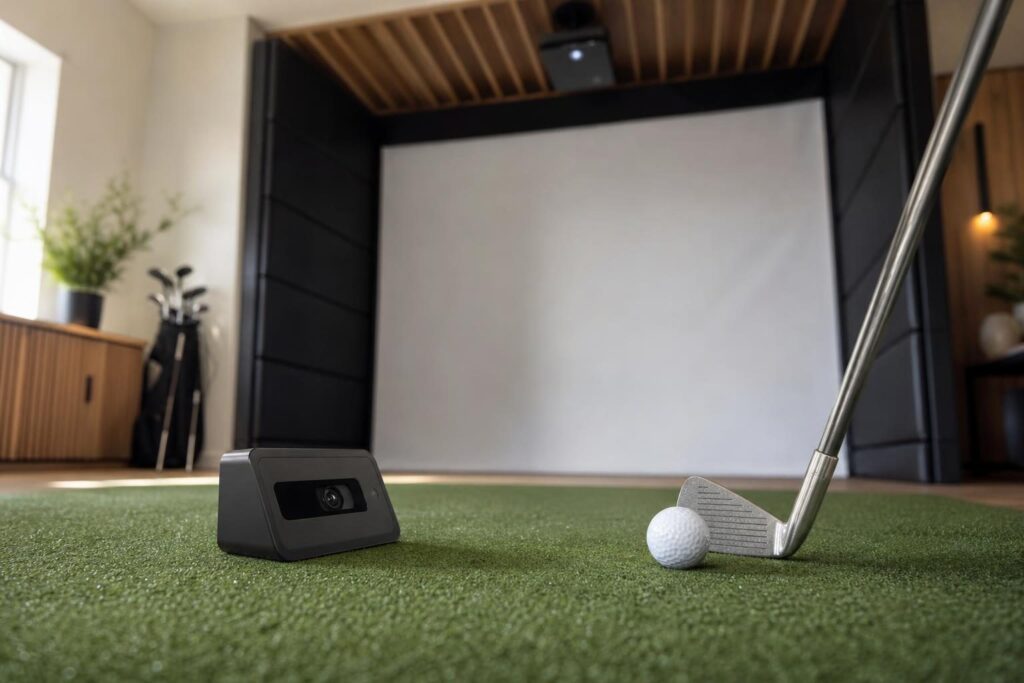
The Square Golf launch monitor is another camera-based option positioned beside the ball. It is designed for indoor use, making it worth considering for a dedicated home practice area rather than a mixed home-and-range setup.
What the package should include
- Square Golf launch monitor and the marked balls specified for its tracking features.
- Quality hitting mat.
- Golf-rated net or a modest impact-screen enclosure.
- Compatible device and a clear plan for software charges.
Strengths: Its side-mounted layout suits rooms where rear clearance is limited. It is also worth considering if you want an indoor system with putting support, while checking how putting works in your preferred software.
A simple net setup is the safest route to keeping costs controlled. A screen configuration may also fit, depending on the enclosure, projector, and computer you select.
Drawbacks: It is not the choice for outdoor range sessions. You also need to understand marked-ball requirements and distinguish between the costs of Square’s own software and any third-party simulator integration.
Budget verdict: A compelling indoor package foundation. Price the complete software and display arrangement rather than judging value from the launch monitor alone.
5. Garmin Approach R10 Impact-Screen Package: Best for Projector Immersion
If seeing a virtual fairway in front of you is essential, an R10-based impact-screen package is a practical route toward that experience. The affordable launch-monitor foundation leaves more room for the enclosure and projection equipment.
What the package should include
- Garmin Approach R10.
- Golf impact screen and properly sized enclosure.
- Projector with a throw distance suitable for the room.
- Hitting mat, compatible display device, and required software.
Strengths: This configuration feels much more like a dedicated simulator than hitting into a net while watching a tablet. It is especially appealing for recreational rounds and sharing the setup with friends.
Drawbacks: The launch monitor still needs its required radar operating space. Adding a screen does not solve a shallow-room problem.
The enclosure, projector mount, cables, protective padding, and any new computer can also consume the remaining budget quickly. A cheap screen or uncomfortable mat is a poor trade-off for a larger image.
Budget verdict: Achievable below $5,000 with carefully selected components, particularly if you already own a compatible device. Build a complete equipment list before committing to the screen.
6. OptiShot 2 Foam-Ball Package: Best for Casual Family Play
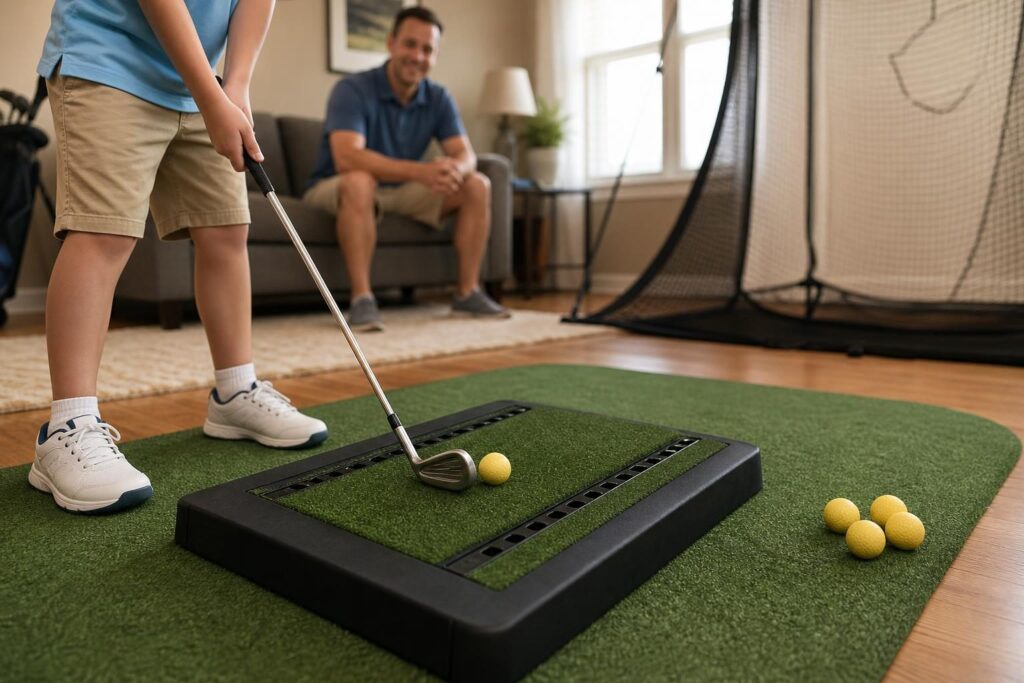
OptiShot 2 takes a different approach: its infrared sensors track the club passing over a hitting pad rather than directly measuring the golf ball’s launch. Paired with foam balls and suitable containment, it offers a recreational introduction to indoor golf.
What the package should include
- OptiShot 2 sensor pad.
- Compatible Windows computer and display.
- Stance platform that brings your feet level with the hitting surface.
- Foam balls, containment, and adequate swing clearance.
Strengths: It can provide entertaining simulated golf without requiring a premium ball-tracking launch monitor. The foam-ball approach may suit households that prefer not to hit real golf balls indoors.
Drawbacks: This is not a direct substitute for measured ball-flight data. It cannot evaluate ball contact and launch the way a ball-tracking system does, so it is a weaker choice for serious equipment testing or detailed practice.
Lighting and club detection also require attention. Foam balls reduce impact risk, but they do not eliminate the need for safe containment and unobstructed swings.
Budget verdict: Best viewed as a lower-cost entertainment option, not a reason to spend the entire $5,000 allowance.
Buying Guide: What to Look for Under $5,000
Measure the usable room first
Check ceiling height, room width, and total depth with your intended hitting position marked out. Make slow practice swings with your longest club, allowing a generous margin around walls, lights, doors, and ceiling fixtures.
Follow the manufacturer’s requirements for launch-monitor spacing, screen clearance, and containment. A room that accommodates your swing may still be too short for a particular radar setup.
Budget for the complete package
When comparing the best golf simulator under 5000 options, include more than the headline hardware:
- Launch monitor and protective accessories.
- Mat, stance platform, and flooring where needed.
- Net or screen enclosure, including side and overhead protection.
- Projector, mount, cables, and compatible computer or tablet.
- Software, memberships, and replacement hitting strips or marked balls.
- Tax and delivery.
Match the tracking system to your golfers
A behind-the-ball unit is often easier for groups mixing right- and left-handed players, provided the room has enough depth. Side-mounted camera systems can work better in shorter spaces, but may need repositioning when players change handedness.
Prioritize the mat and containment
A forgiving hitting surface and reliable ball containment matter more than a premium projector. If the budget becomes tight, start with a net and smaller display, then add projection later.
Conclusion
For most buyers, a Garmin Approach R10 net package is a practical starting point. The MLM2PRO suits feedback-focused practice, while the original SkyTrak and Square Golf deserve attention for space-conscious indoor setups. Choose the configuration that fits your room safely, then verify the full hardware and software cost before buying.
