
The BenQ TK700STi offers a tempting mix for a home golf simulator: sharp 4K imagery, a short-throw lens, and fast response for gaming after your round. However, its suitability depends as much on your room layout and impact screen as on its resolution. This BenQ TK700STi golf simulator review looks at throw distance, image quality, installation compromises, and the setups where it makes the most sense.
This article is part of our guide: Golf Simulator Projector and Screen Guide: Throw Distance, Brightness, and Sizing
Overview
The TK700STi is a lamp-based DLP projector designed primarily for gaming and home entertainment. Its published specifications include 3840 × 2160 displayed resolution, 3,000 ANSI lumens of brightness, and a 0.9–1.08:1 throw ratio.
Those specifications give it genuine golf simulator potential. The image can look detailed, and the lens places it closer to the screen than a conventional standard-throw projector. However, it is not an ultra-short-throw model, nor is it purpose-built around square or tall golf simulator screens.
The central buying question is whether its throw distance fits your hitting position without creating shadows or putting the projector in the swing path. If it does, the TK700STi can serve well as a shared golf, movie, and gaming projector.
Who It Suits
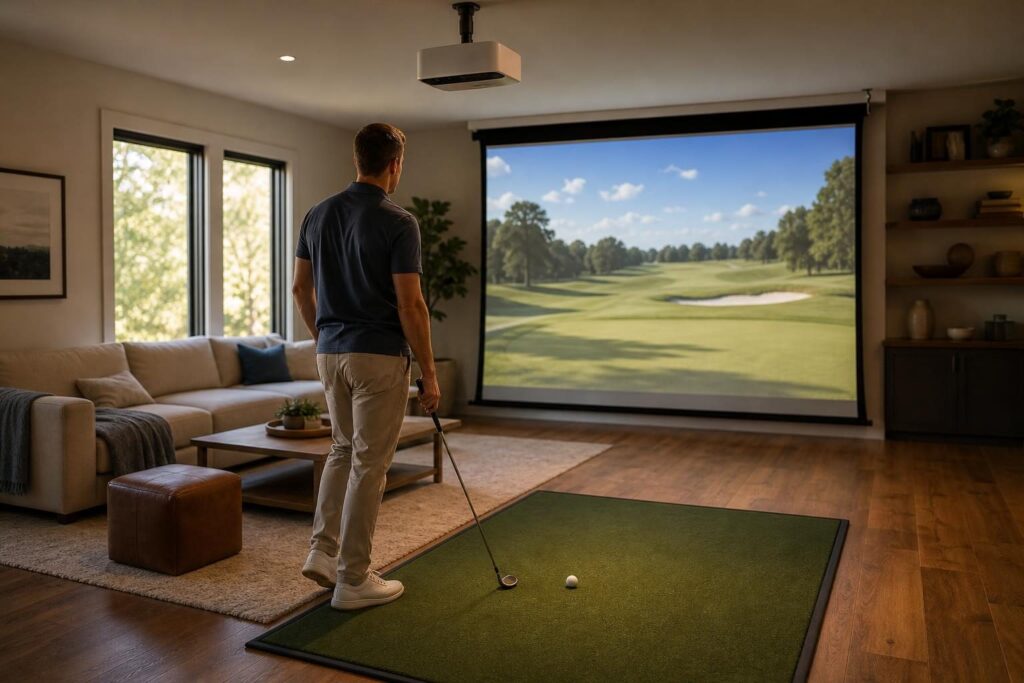
The TK700STi is most appealing to golfers building a multipurpose room rather than a dedicated commercial-style simulator bay.
- Golfers with controlled lighting: Its brightness is useful, but the picture benefits substantially from keeping room light off the impact screen.
- Owners of wide screens: A 16:9 screen makes the most straightforward use of its native image shape.
- Households mixing golf and entertainment: Its 4K display capability and low input lag are useful beyond simulator software.
- Installations with a workable ceiling location: The lens needs enough distance to produce your intended image width while remaining clear of clubs and golfers.
It is less suitable for very shallow rooms, installations that need extensive lens shift, or setups where a square screen must be filled efficiently without complicated image management.
Key Features
Throw Distance: Short Throw, but Not Extremely Short
The TK700STi’s 0.9–1.08:1 throw ratio means the lens-to-screen distance is approximately 0.9 to 1.08 times the projected image width. Its 1.2x optical zoom provides some placement flexibility, although the adjustment range is modest.
The following examples use the width of the full projected image, not the screen diagonal:
| Projected Image Width | Approximate Lens-to-Screen Distance | Height at 16:9 |
|---|---|---|
| 10 feet | 9.0–10.8 feet | 5.6 feet |
| 12 feet | 10.8–13.0 feet | 6.75 feet |
| 14 feet | 12.6–15.1 feet | 7.9 feet |
These are planning estimates, not mounting instructions. Confirm the final position with BenQ’s projection calculator and installation documentation before purchasing a mount or running cables.
A 12-foot-wide image, for example, requires the lens to sit roughly 11 to 13 feet from the screen. Depending on your ball position, that could put the projector near or behind the golfer. Whether a shadow appears depends on mounting height, golfer height, and the path of the light beam.
Measure from the lens, not the back of the projector. Also allow for the projector body, connections, mounting hardware, and ventilation clearance.
4K Detail on an Impact Screen
The TK700STi uses DLP pixel shifting to display a 3840 × 2160 image. That is different from using a native 4K imaging chip, but it still provides a high-resolution displayed picture.
For golf simulation, the benefit is most noticeable in interface text, course textures, distant objects, and fine visual detail. A compatible computer must actually output the desired resolution, and running simulator software at 4K places a greater load on the graphics card than running it at 1080p.
The impact screen also matters. A coarse weave, wrinkles, screen movement, or imperfect focus can reduce the visible benefit of 4K. Resolution alone cannot make a rough impact screen look like a smooth home theater screen.
Brightness and Ambient Light
BenQ rates the TK700STi at 3,000 ANSI lumens. That gives it a useful starting point for a home simulator, but the published brightness rating does not mean every picture mode delivers the same output or color balance.
Large images spread the available light over more surface area. A wide simulator screen will therefore look less bright than a smaller image under otherwise identical conditions.
For the best results, keep the screen area dim and use carefully aimed lighting around the hitting mat. Overhead lights or daylight falling directly onto the screen can wash out fairways, weaken contrast, and make dark course details harder to distinguish.
Color, Contrast, and Course Realism
The TK700STi supports HDR10, although HDR support should not be confused with television-like HDR brightness or black levels. On a large impact screen, room lighting and screen material have a major influence on perceived contrast.
Its strengths are better aligned with a crisp, engaging course image than with deep cinematic blacks. Grass, sky, and brightly lit course scenes should be the priority when adjusting the picture, rather than simply selecting the brightest mode.
As with other single-chip DLP projectors, some viewers may notice rainbow artifacts around bright objects against dark backgrounds. Sensitivity varies, so a demonstration or a retailer with a suitable return policy is helpful if this concerns you.
Aspect Ratio and Screen Fit
The TK700STi’s native image shape is 16:9. That works naturally for a wide entertainment screen, but many golf enclosures use 4:3, 16:10, or nearly square impact screens.
For example, a 16:9 image that is 12 feet wide is only 6.75 feet tall. On a 12-by-9-foot impact screen, it leaves 2.25 feet of total unused height if the image fits the screen width.
Some combinations of computer resolution, simulator settings, and projector aspect controls can display a taller image shape. However, doing so may leave part of the projector’s imaging area unused. Simply enlarging a widescreen image to fill a taller screen can instead send light beyond the screen’s edges.
Plan the desired image shape before choosing the projector. A custom computer resolution is not a substitute for checking the optical throw and image boundaries.
Installation, Input Lag, and Everyday Use
The TK700STi lacks optical lens shift, making accurate mounting important. Digital keystone correction can help straighten an image, but it resamples the picture and can reduce usable detail. Physical alignment is preferable, especially when sharp text matters.
Its low-latency gaming capability is welcome for general entertainment, although golf simulation rarely needs the extremely fast response associated with competitive action games. Launch-monitor processing and simulator software also contribute to the overall delay between impact and the displayed shot.
The lamp-based light source brings another ownership consideration: eventual lamp replacement and gradual brightness loss. A laser alternative may be more convenient for frequent, long sessions, although purchase cost and installation fit still need comparing.
Pros
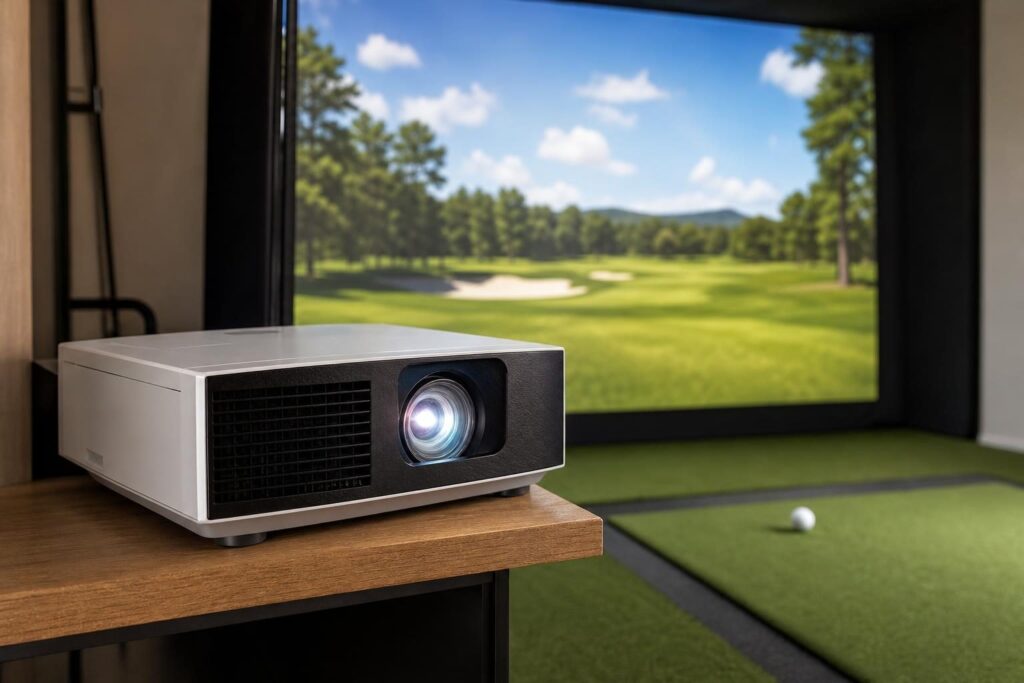
- Detailed 4K displayed image: Well suited to course graphics, menus, and shared entertainment use.
- Useful short-throw lens: Requires less distance than many standard-throw home projectors.
- Modest optical zoom flexibility: Allows some adjustment without immediately resorting to digital correction.
- Practical brightness specification: Suitable for consideration in a light-controlled home simulator.
- Low input lag: Adds appeal for console and PC gaming outside golf sessions.
- Multipurpose design: A sensible candidate for a room used for golf, films, and games.
Cons
- Not short enough for every bay: Wide images can require a mounting position near or behind the golfer.
- No optical lens shift: Installation requires careful positioning and alignment.
- Native 16:9 shape: Taller impact screens introduce unused space or image-management compromises.
- Lamp maintenance: Brightness declines with use, and replacement becomes an ownership expense.
- Ambient-light limitations: Screen illumination can quickly reduce contrast.
- Potential rainbow artifacts: Sensitive viewers may find single-chip DLP distracting.
Alternatives Worth Considering
BenQ TK710STi
The TK710STi is worth comparing if you want a 4K gaming-oriented projector with a laser light source and a shorter throw range. It may solve placement problems that rule out the TK700STi, but check its exact image dimensions and mounting requirements rather than assuming it is a direct replacement.
BenQ TH671ST
The TH671ST is a 1080p short-throw alternative. Its shorter throw can be more valuable than extra resolution when room geometry is tight. It is worth considering if your computer, screen texture, or viewing distance limits the practical benefit of 4K.
Optoma GT2100HDR
The Optoma GT2100HDR is another option for installations prioritizing a shorter projection distance and a laser light source over 4K detail. As with any alternative, compare throw ratio, vertical offset, native resolution, and supported image shapes before deciding.
Verdict
The BenQ TK700STi is a capable multipurpose projector that can produce a detailed, attractive golf simulator image in a suitably controlled room. Its strongest fit is a wide-screen setup where the 0.9–1.08:1 throw range allows a safe, shadow-free installation.
Choose it for the combination of image detail and entertainment versatility—not simply because it carries a short-throw label. Confirm screen shape, lens position, and swing clearance first. If those measurements work, it deserves consideration; if they do not, a shorter-throw alternative is the better purchase.
